ZeitPing
Your smart ping at the right time
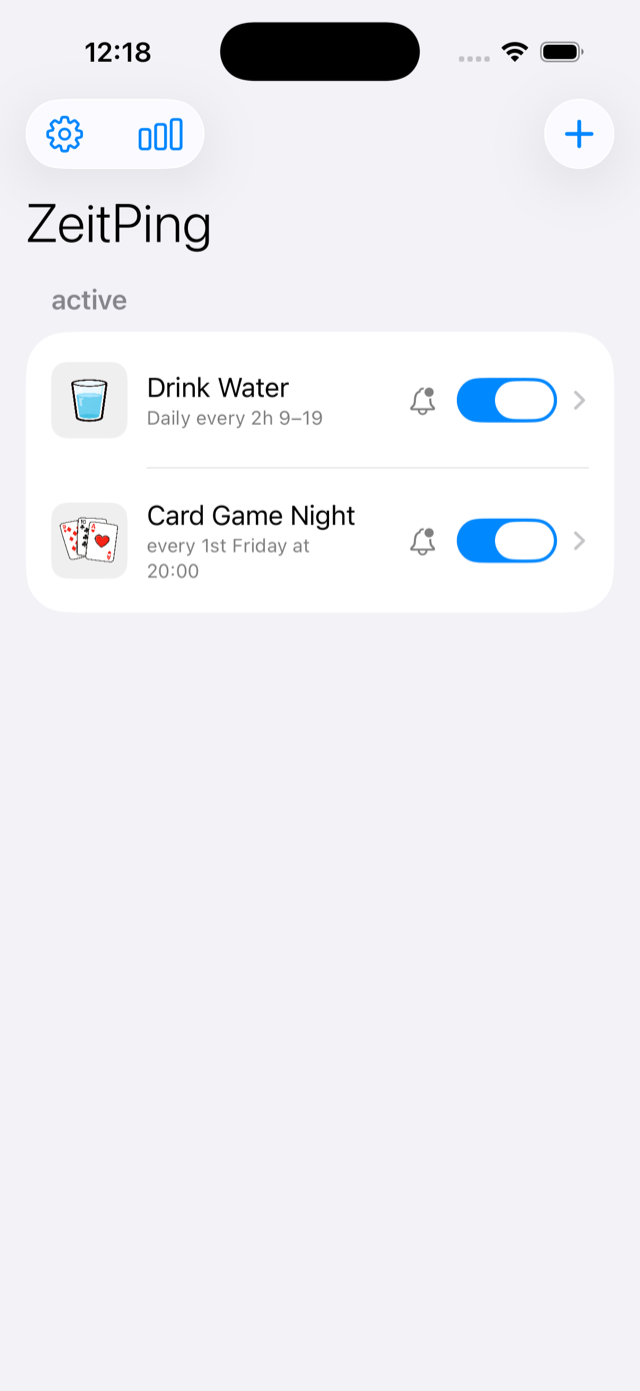
ZeitPing is a beautifully designed reminder app for iOS that helps you manage recurring tasks and build better habits. With flexible scheduling, streak tracking and fully customizable notifications — so your daily routines never slip through the cracks.
Screenshots
Features
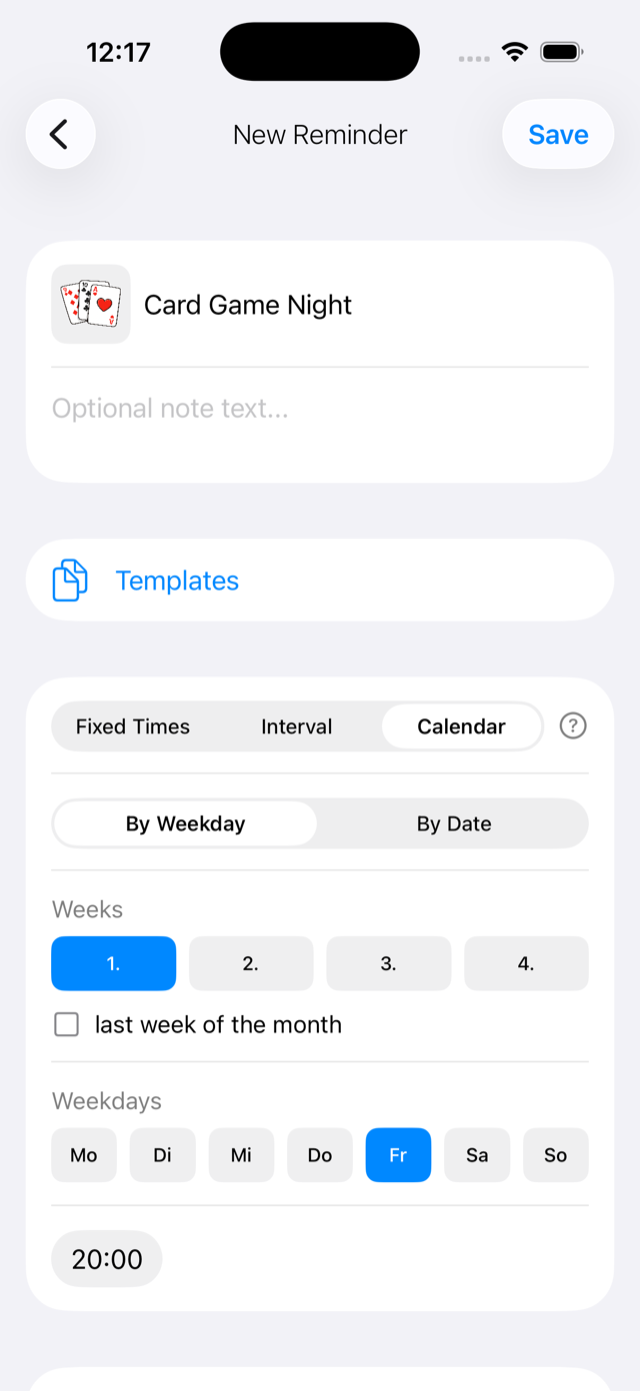
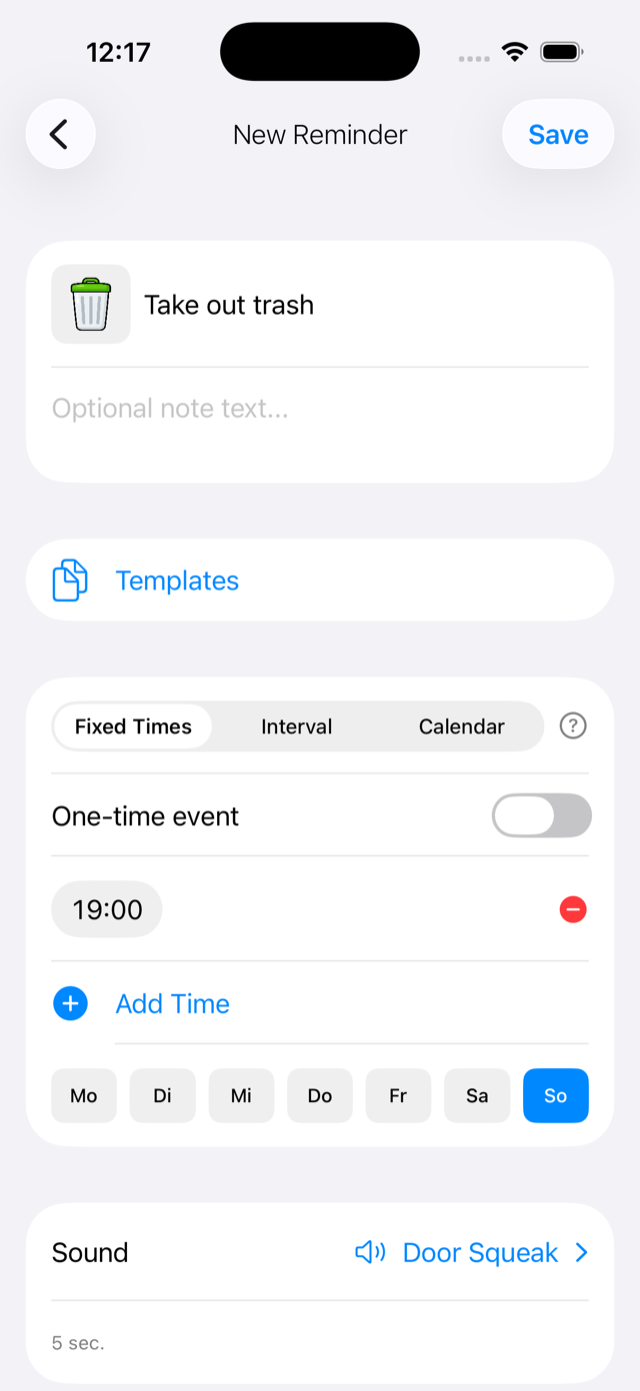
Flexible Schedules
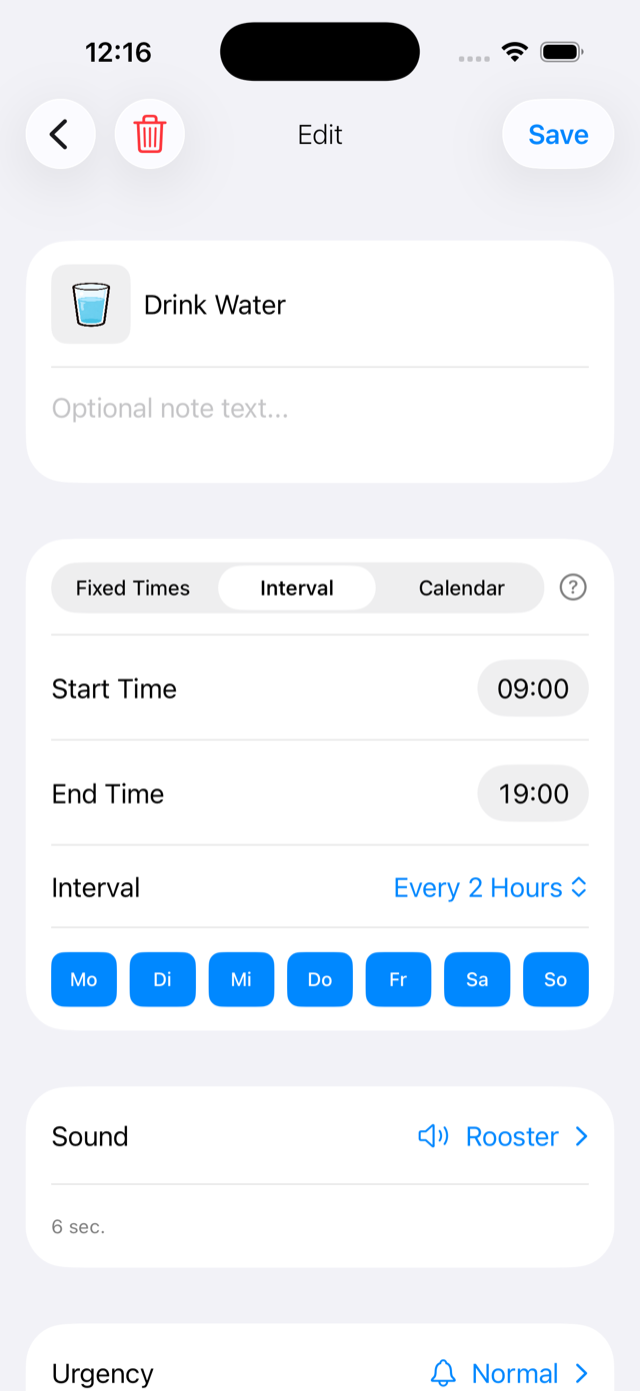
Fixed times, intervals or flexible patterns — set reminders exactly the way you need them. Daily, weekly, monthly or custom intervals.
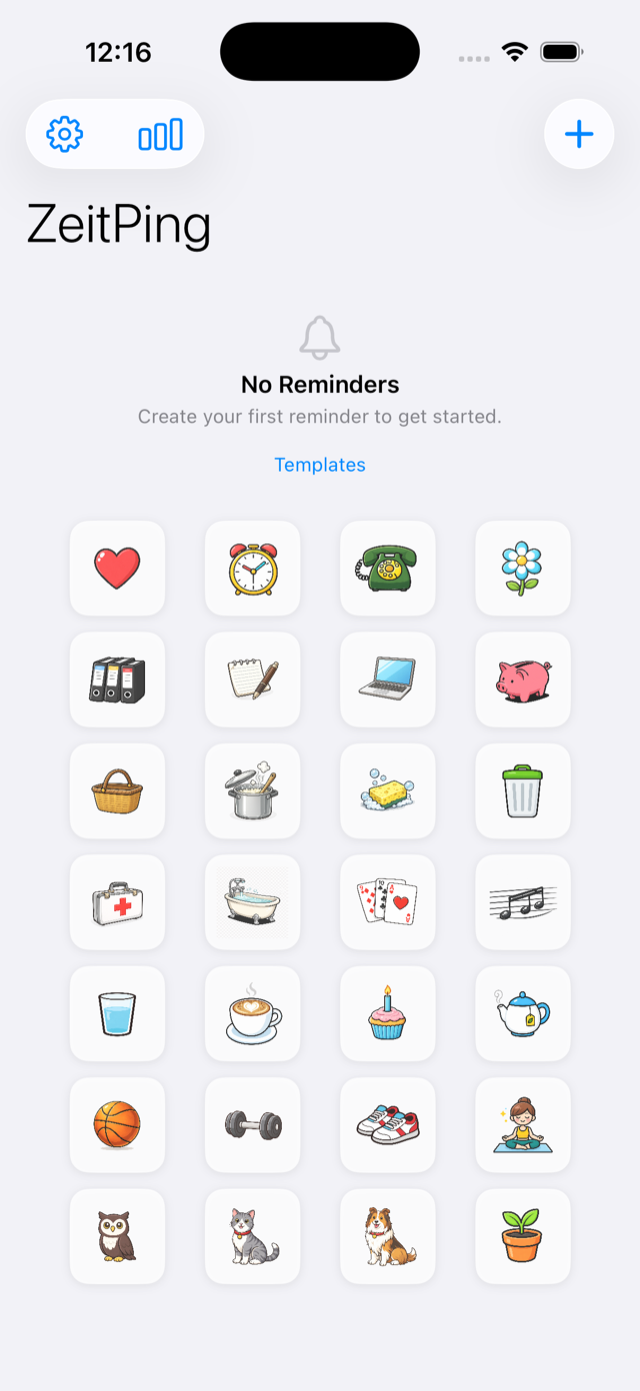
Lovely icons & fun sounds
28 lovingly designed icons, more than 25 notification sounds — from a gentle singing bowl to a crowing rooster — and three themes: Standard, Vintage and Night.
Smart Notifications
Customizable sounds, follow-up reminders and interactive actions — complete or snooze directly from the notification.
Home Screen Widget
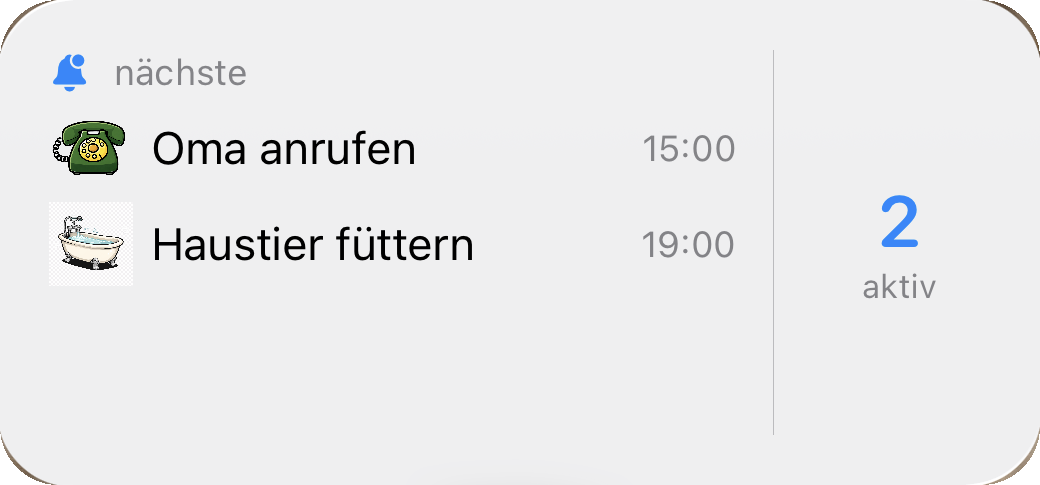
See your upcoming reminders and streaks at a glance with the home screen widget.
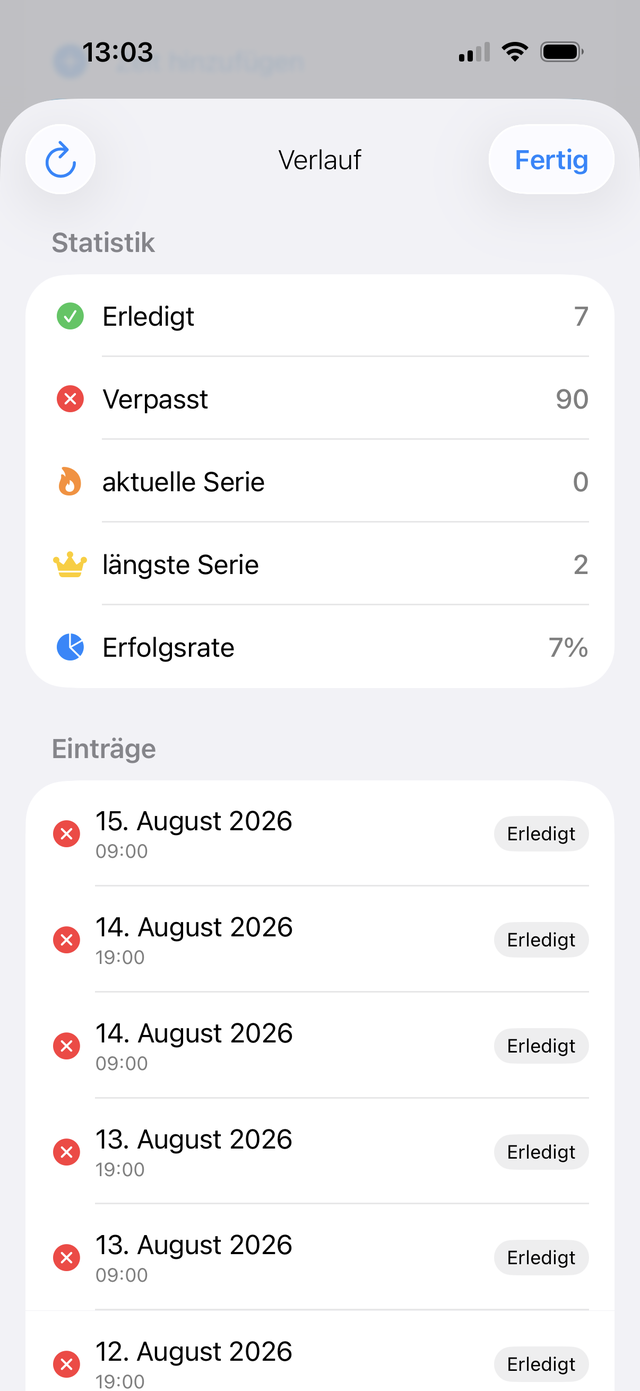
Success statistics
Keep track: completed, missed and success rate per reminder — switchable between 7 and 30 days. Reports can be exported as PDF or CSV.
Backup & sharing
Save all reminders including history as a JSON backup — or send them by email to your family, who import them with a single tap.
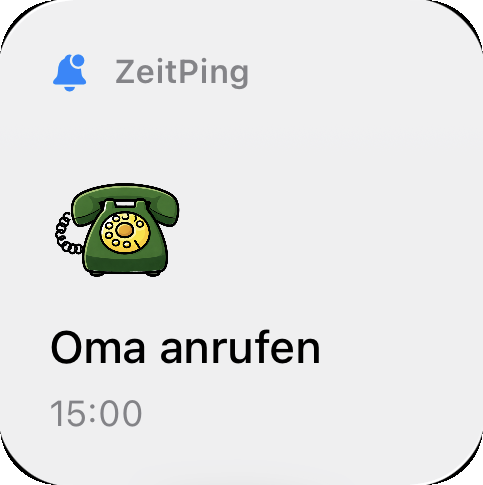
Home Screen Widget
Keep your reminders visible at a glance. The ZeitPing widget shows your upcoming reminders, active streaks and completion stats right on your home screen. Available in small and medium sizes.
Custom Icons
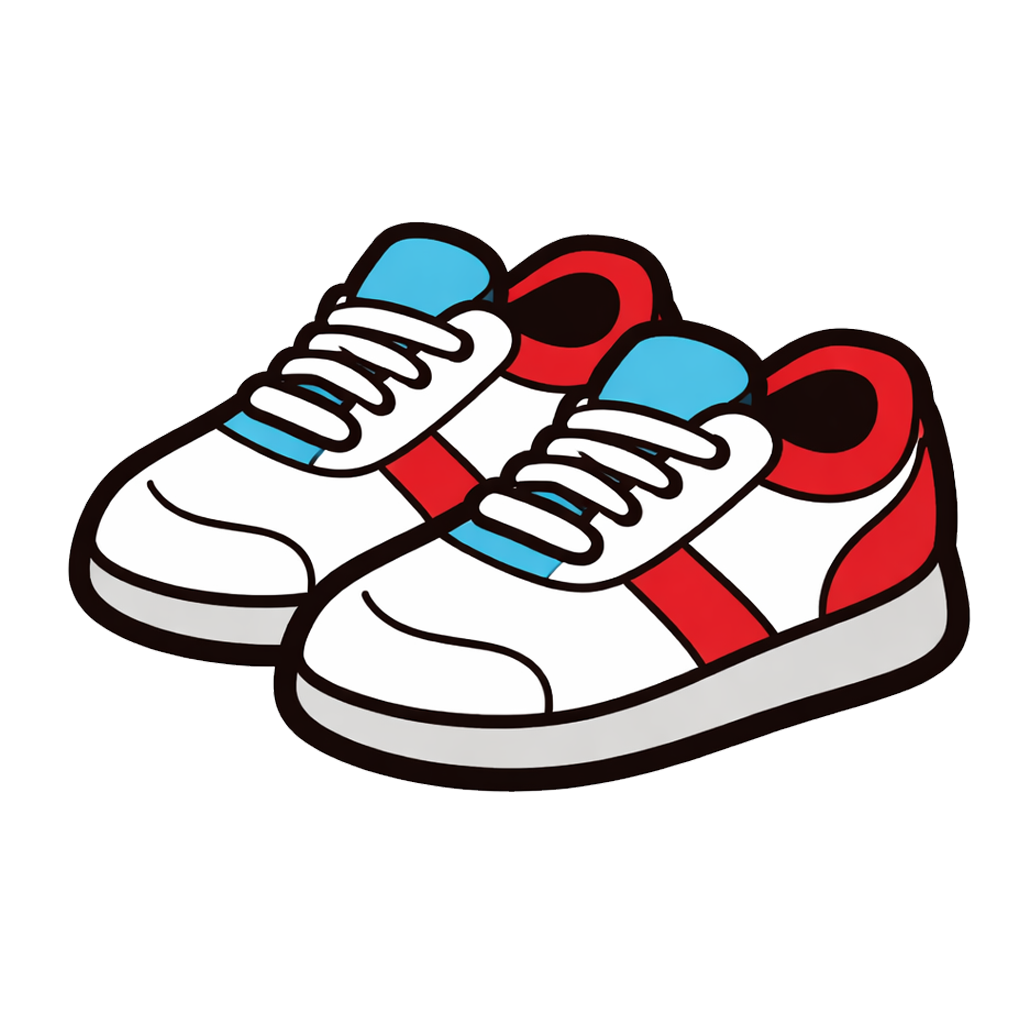
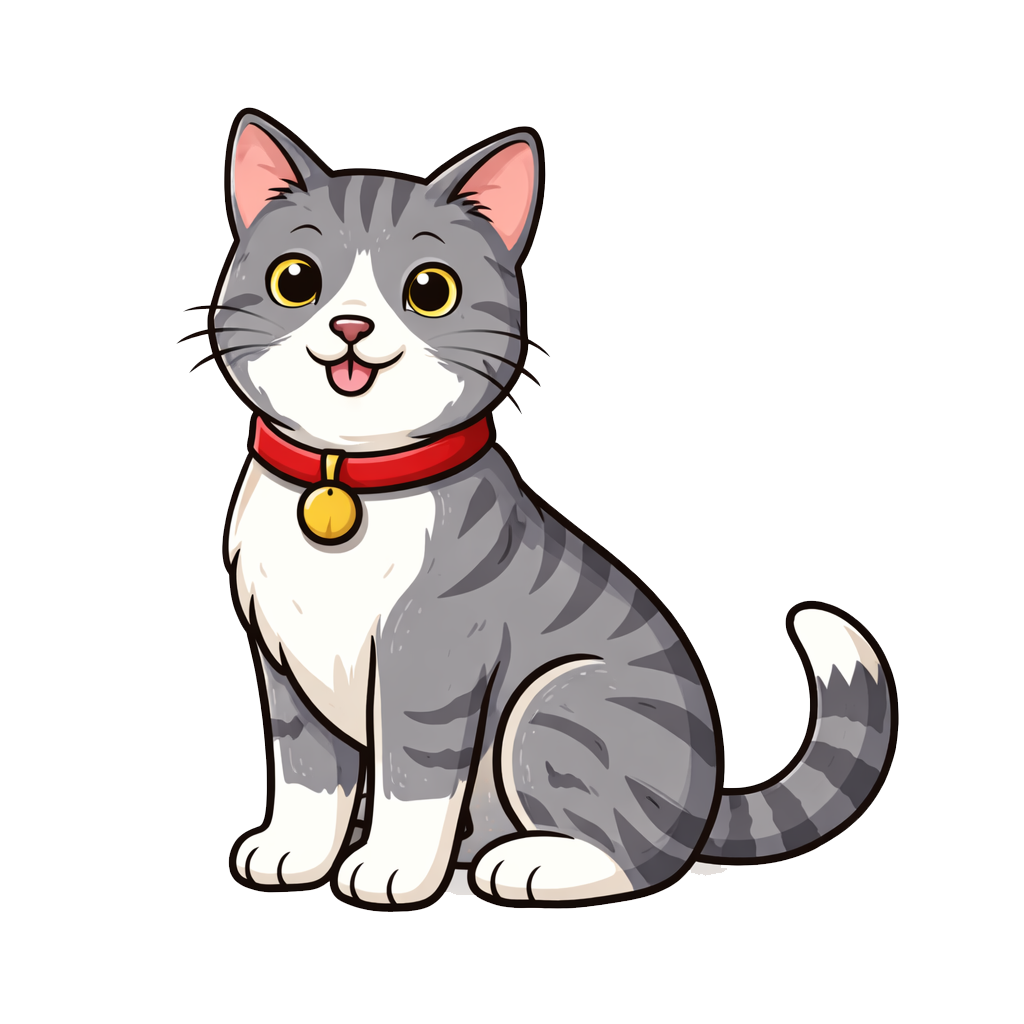
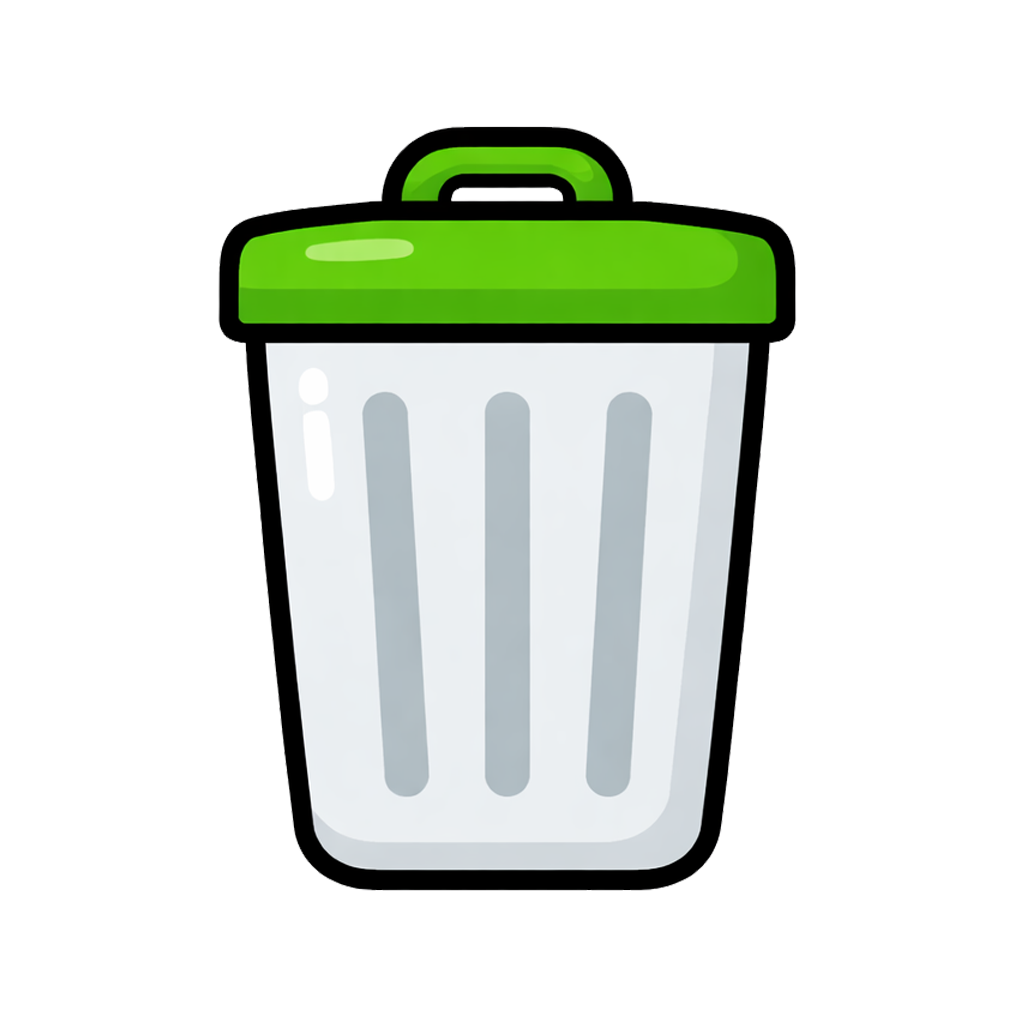
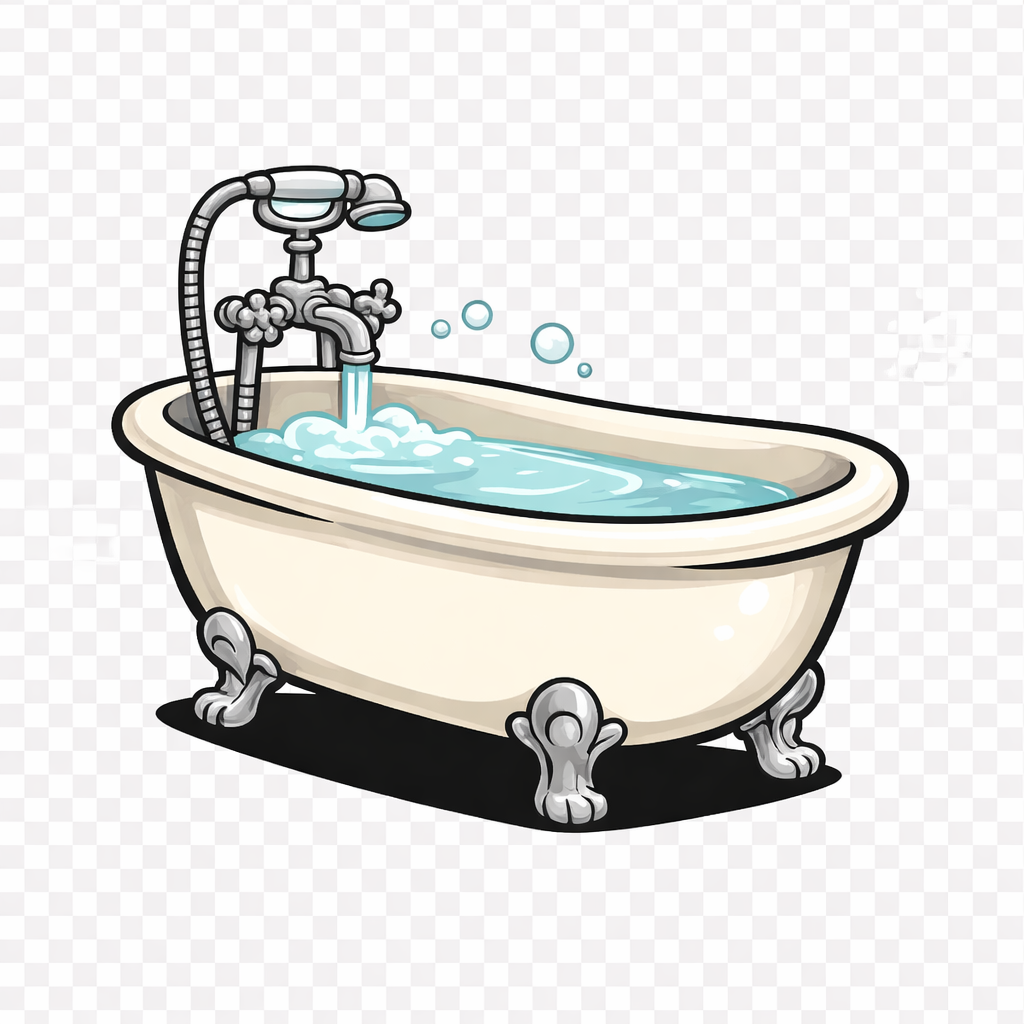
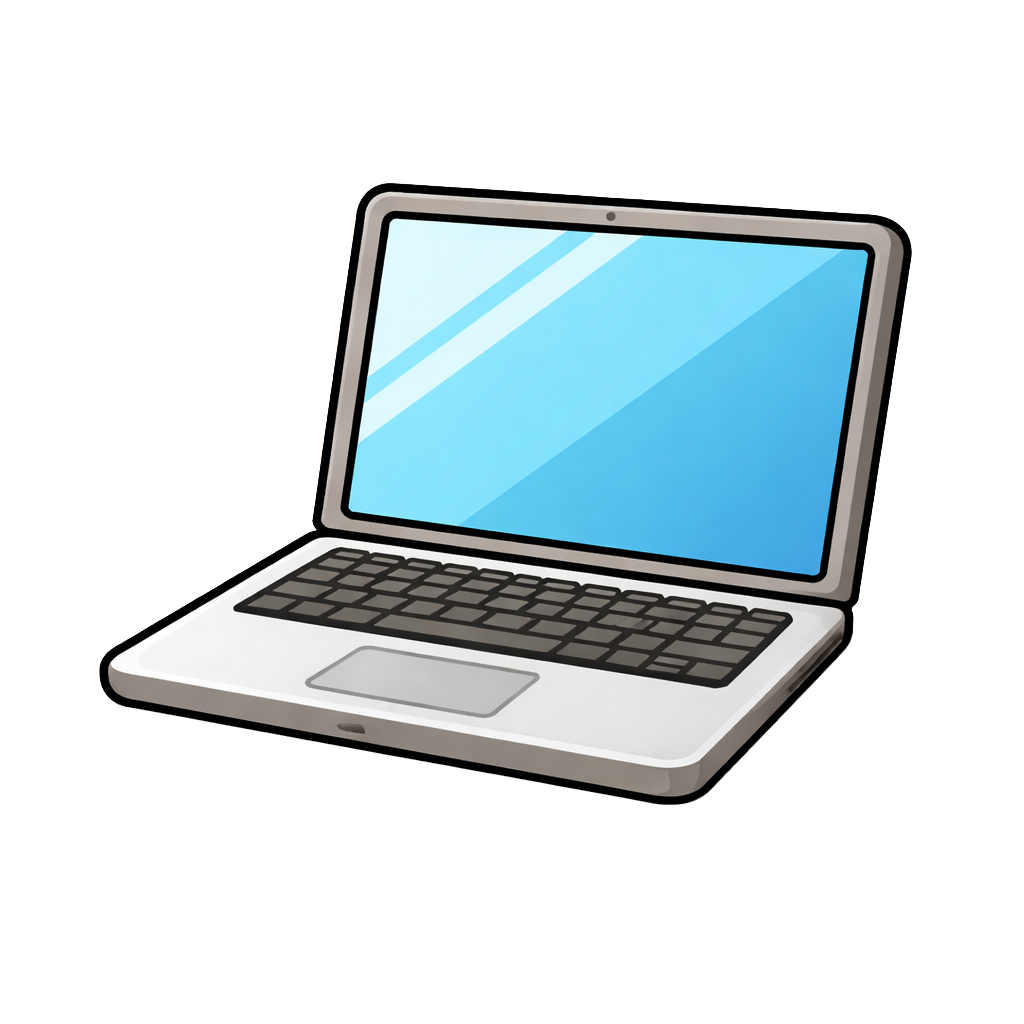
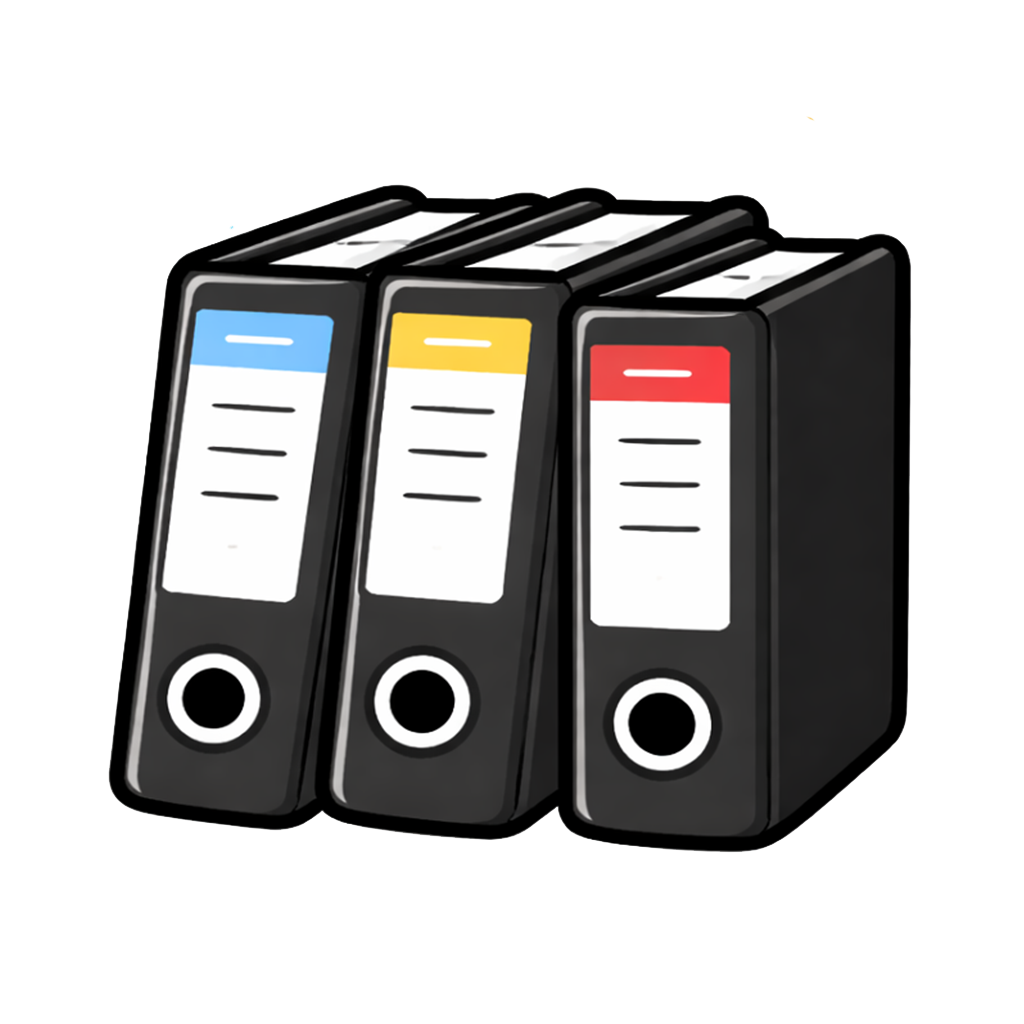
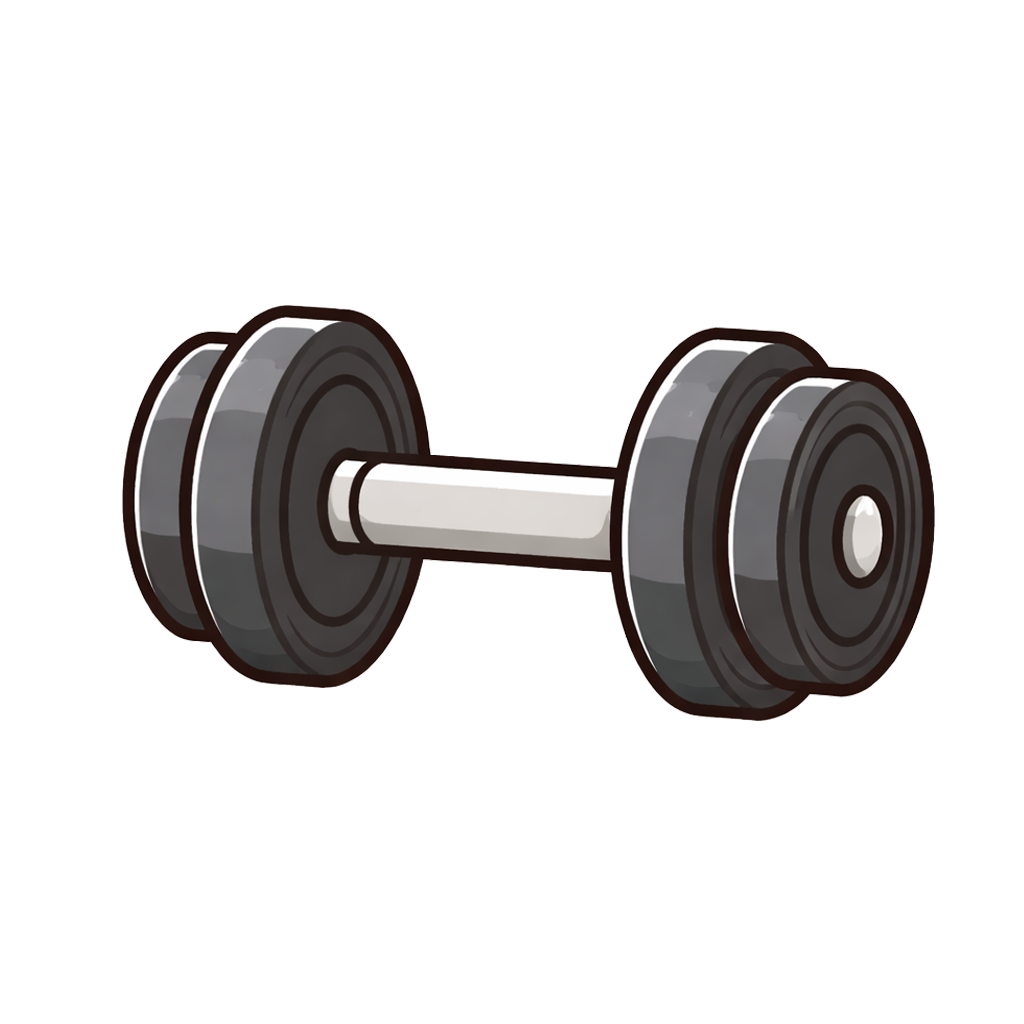
28 colorful icons generated with ChatGPT to personalize your reminders. From animals and food to fitness and household — find the perfect icon for every reminder.


















Custom Notification Sounds
Choose from 25+ unique notification sounds. From gentle singing bowls and bells to animal sounds and fun effects — make every reminder unmistakable.
Frequently asked questions
Why does my reminder arrive late or not at all?
Delivery is controlled by iOS — in particular via Background App Refresh. Check: Settings → General → Background App Refresh (enable for ZeitPing), focus modes and low power mode. Important: do not use ZeitPing for time-critical appointments where a missed reminder could cause damage.
How do I move to a new iPhone?
Export a JSON backup in the settings (Files app or email), open it on the new device and import it — including history, streaks and statistics.
Can I share my reminders with my family?
Yes: send the backup by email — recipients import the file with a single tap and have the same reminders set up.
Do I need an account?
No. ZeitPing works without registration, without a cloud and without an internet connection. All data stays on your device.
Which languages does ZeitPing support?
ZeitPing is fully available in German, English and Dutch.
Privacy
ZeitPing was built with privacy at its core: the app does not collect, store or transmit any personal data.
Everything stays on your device
All reminders, settings, streaks and statistics are stored exclusively on your iPhone. There is no cloud, no server and no user account.
No tracking, no ads
ZeitPing contains no analytics, no advertising and no third-party trackers. Your usage is never recorded.
No account needed
ZeitPing works entirely without a user account, without registration and without an internet connection. No email address or credentials are required.
Local notifications
All notifications are scheduled and delivered locally on your device. No data is sent to external services.
Minimal permissions
The app only requests permission for notifications. No access to location, contacts, photos, microphone or camera.
You stay in control
History exports (PDF/CSV) are generated locally. You alone decide whether and with whom to share them.
Controller
ilenvo media, Owner: Stefan Buchhofer, Meisenweg 1a, 63741 Aschaffenburg, Germany. Email: s.buchhofer@ilenvo.de.
Your rights (GDPR)
You have the rights under Art. 15–21 GDPR (access, rectification, erasure, etc.). Since we do not process any personal data, there is usually no data on our side (Art. 11 GDPR). Right to complain: Bavarian State Office for Data Protection Supervision (BayLDA), Ansbach, Germany.
Since no data is collected, there is nothing for us to analyze, sell or share. Your habits belong to you.
Disclaimer
Please note the following information about using ZeitPing.
Warranty
The app is provided in its respective current version. To the extent permitted by law, the provider does not warrant that the app will be available without interruption, free of errors, or fit for a particular purpose. Your statutory rights, in particular as a consumer, remain unaffected.
Not a medical device
ZeitPing is a simple reminder tool and not a medical device within the meaning of Regulation (EU) 2017/745. The app is not intended for the diagnosis, treatment, cure, or prevention of any disease and does not replace medical or pharmaceutical advice.
Reliability of reminders
The delivery of notifications depends on your device and the operating system — in particular on Background App Refresh, whose execution is controlled solely by iOS and over which neither you nor the provider have reliable influence. Notifications may therefore be delivered late, incompletely, or not at all. Therefore, do not use the app for important or time-critical appointments and tasks where a missed or delayed reminder could lead to damage.
Liability
The provider is liable without limitation for intent and gross negligence as well as for damage resulting from injury to life, body, or health. In cases of slight negligence, the provider is only liable for the breach of essential contractual obligations, limited to the foreseeable damage typical for this kind of contract. Liability under the German Product Liability Act remains unaffected. Any further liability is excluded.
Availability
The app is provided without any guarantee of uninterrupted or error-free availability. Features may change, be limited or be removed as part of updates.
Your responsibility
You remain responsible for additionally safeguarding important or time-critical tasks independently of the app. ZeitPing is a support tool, not a substitute for your own diligence.
Changes
The provider may amend the terms of use with effect for the future. Users will be informed of material changes within the app; they only apply if they are actively accepted again.
What's new
- Reminders with fixed times, intervals and calendar patterns
- 28 lovingly designed icons and more than 25 notification sounds
- Three themes: Standard, Vintage and Night
- Success statistics with 7- and 30-day view
- History reports as PDF or CSV
- JSON backup — including sharing by email
- Home screen widget in two sizes
- Available in German, English and Dutch
Support & contact
Questions, problems or suggestions? Write to us — we usually reply within 1–2 business days.
Built With
The app icons and illustrations were generated with ChatGPT (OpenAI). Parts of the development were created with the support of Claude (Anthropic).